Basic
$0
free
10 permanent boards, 5 folders and 1 GB for materials. Every board tool and PNG export.
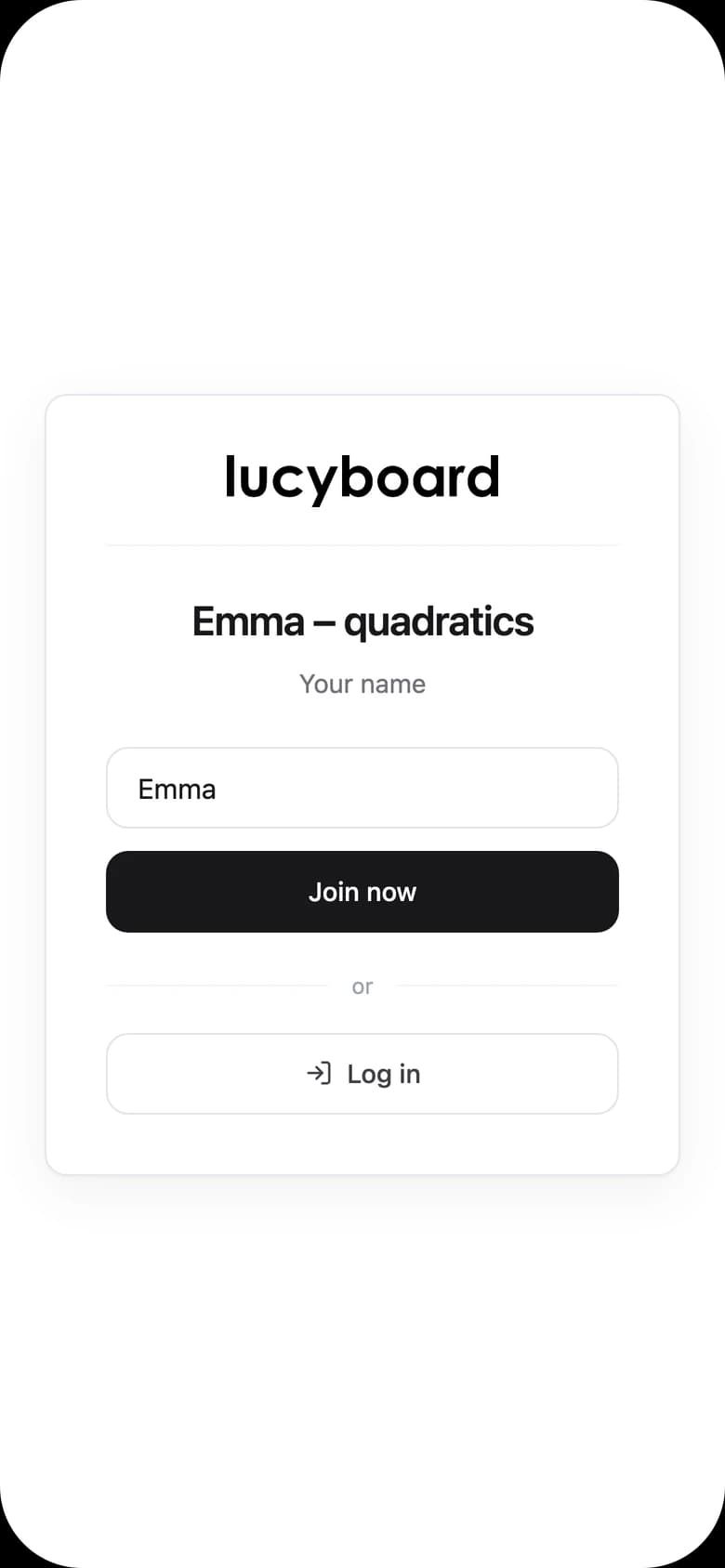
Create a free accountUpload a worksheet, send your student a link and solve problems together on one page. Students only type their name, and the board stays ready for the next lesson.
1,000+ users10,000+ boards created

Our tutors got used to it quickly, and students join lessons without any trouble. Nobody needs to be told what to click and where, which really makes a difference when you run a lot of lessons.
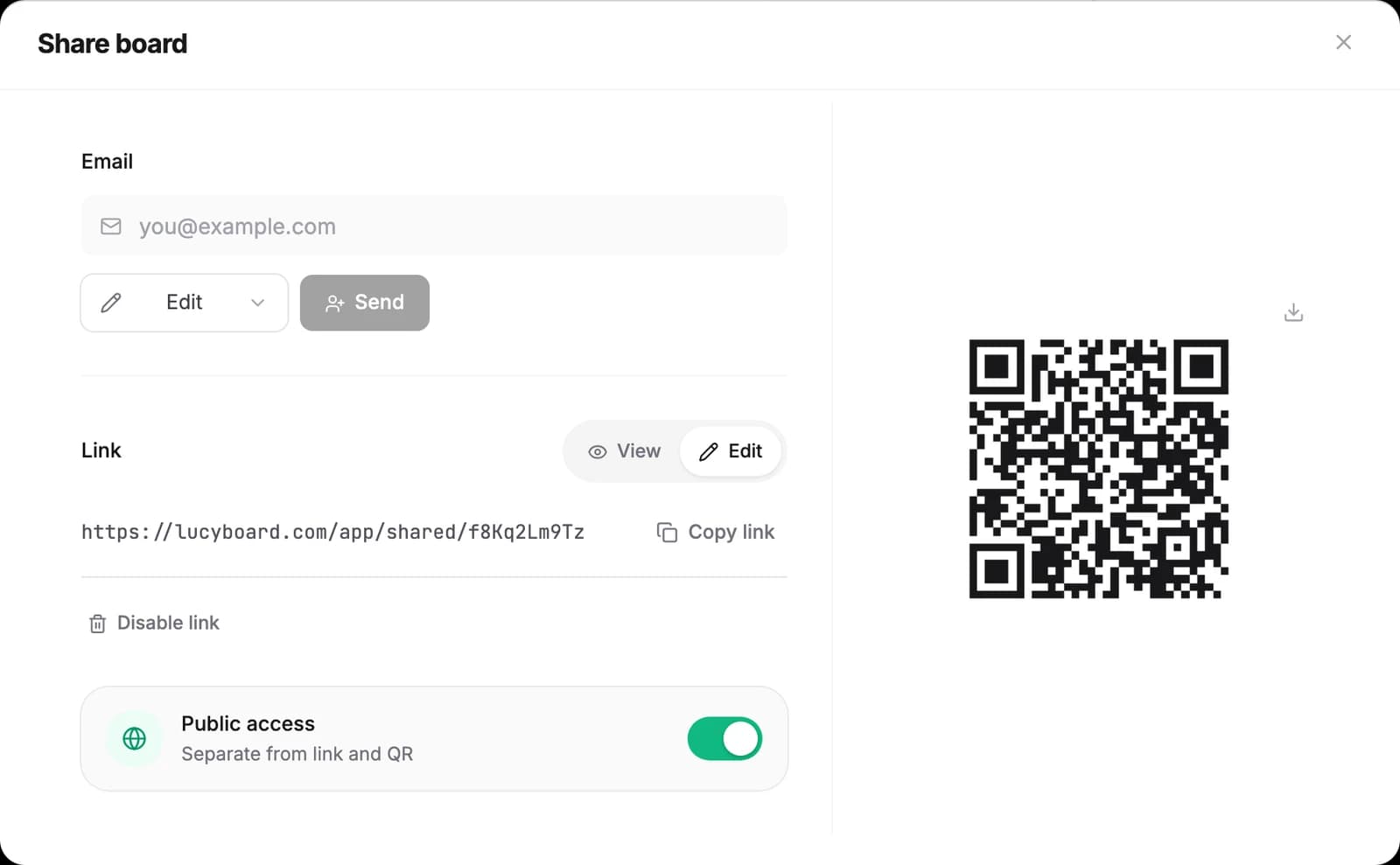
Keep PDFs, photos and cut-out tasks in the Materials library, in folders for students or topics. During the lesson you place a worksheet on the board and write on it together.

The board saves while you teach. You group boards into folders for students and groups, and the next lesson starts where the last one ended. The student comes back with the same link.

Students never pay and never create accounts.
$0
free
10 permanent boards, 5 folders and 1 GB for materials. Every board tool and PNG export.
Create a free account$6.99 / month
billed yearly, $9.99 billed monthly
No board limit, 50 folders, 25 GB for materials and PDF export.
Choose ProAlready have an account? Log in